Is Tuck free?
Yes. Tuck is free, with no ads, no subscriptions and nothing to buy.
Do we both need an iPhone?
Yes. Each of you needs an iPhone on iOS 26 or later, signed in to iCloud. There is no Android or web version.
Do I need to make an account?
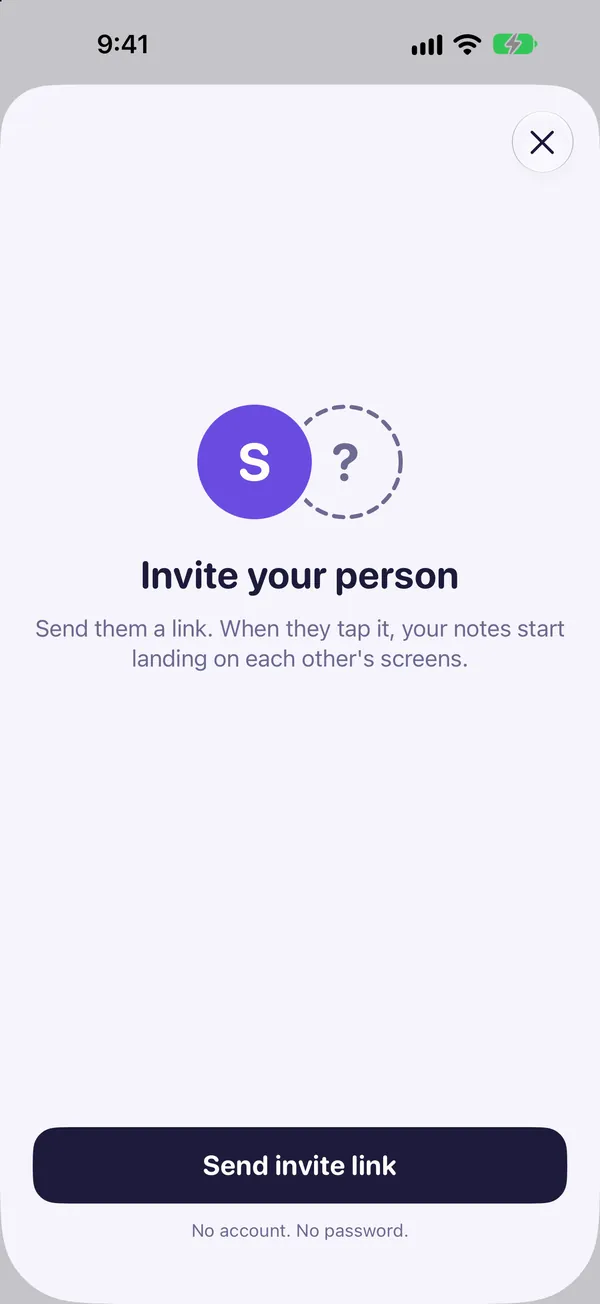
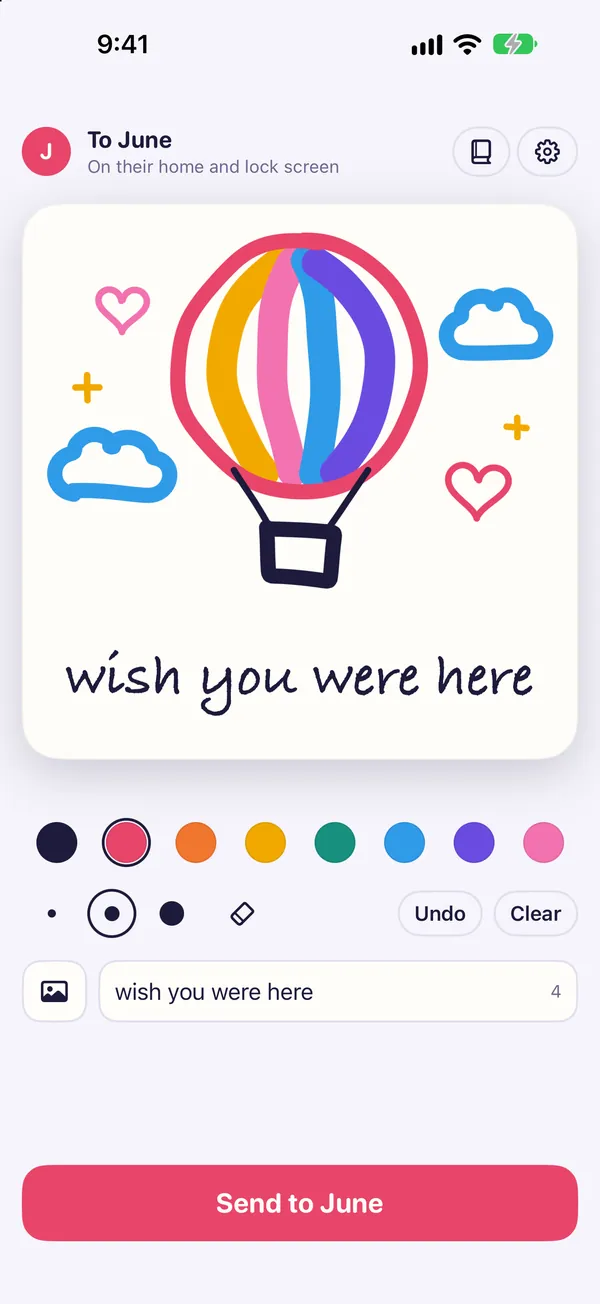
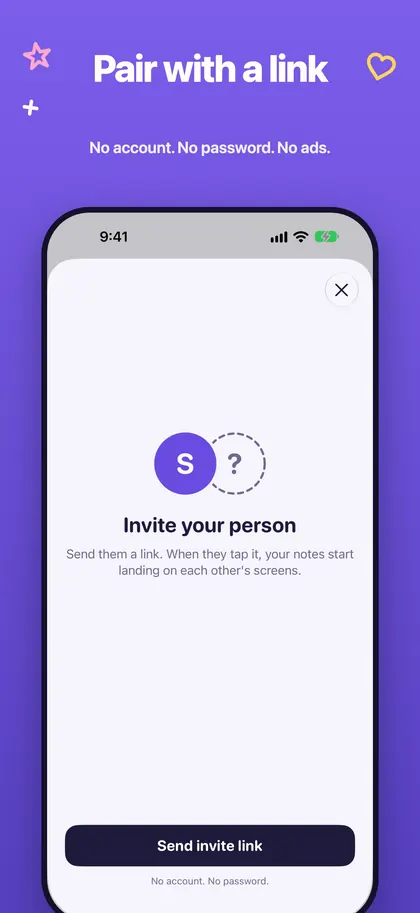
No. You pair by sending your person an invite link, with no password and no email. Tuck asks for your first name once, so a note can say who it is from.
Where does a note show up?
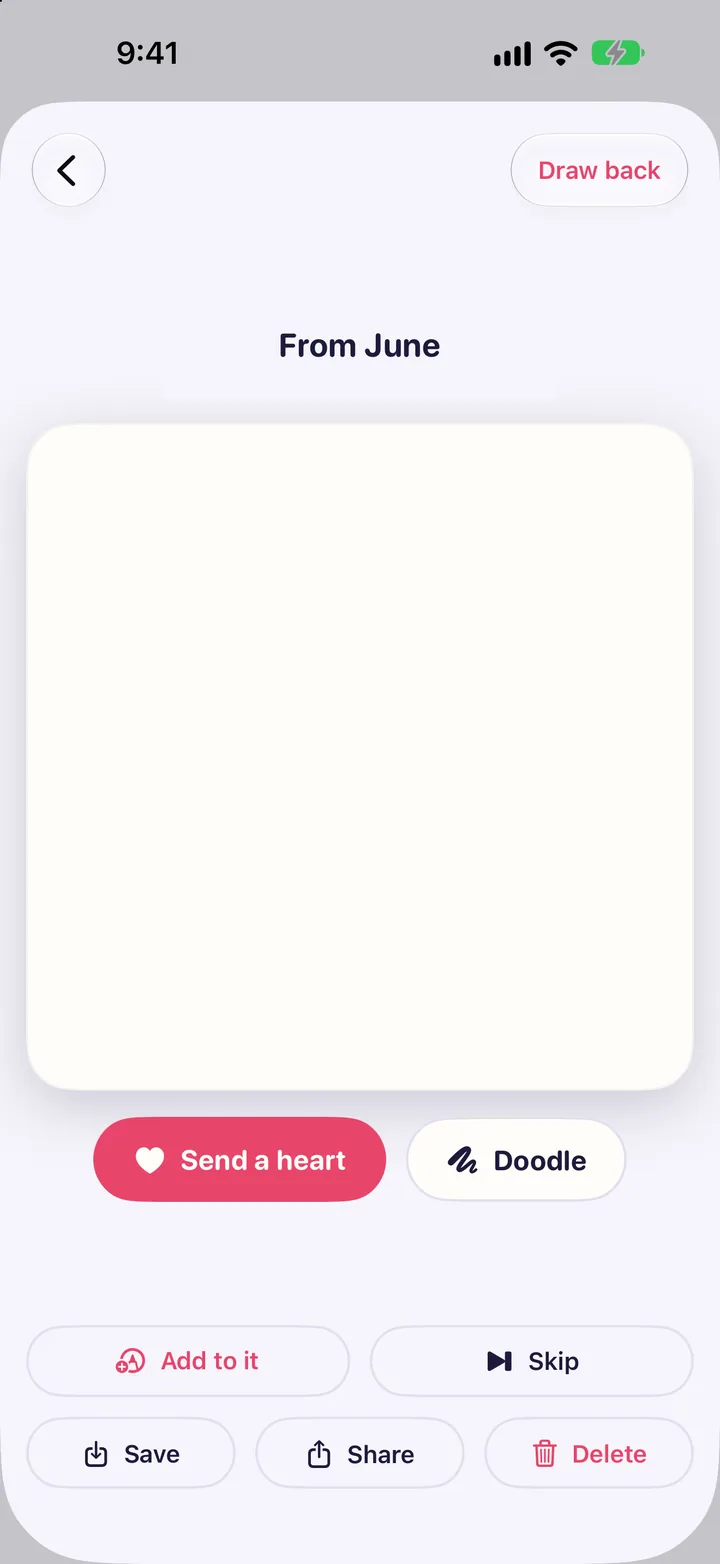
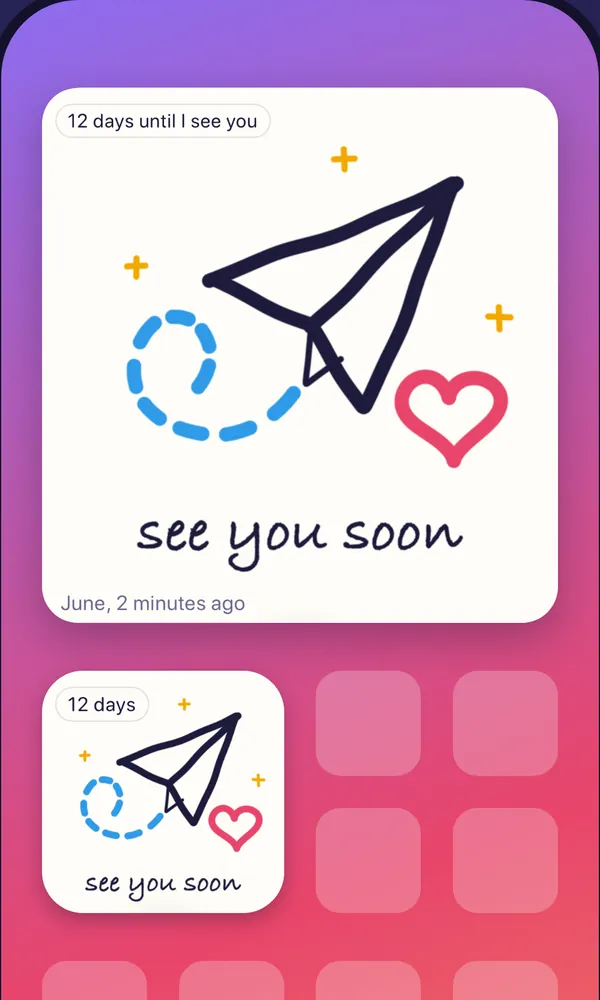
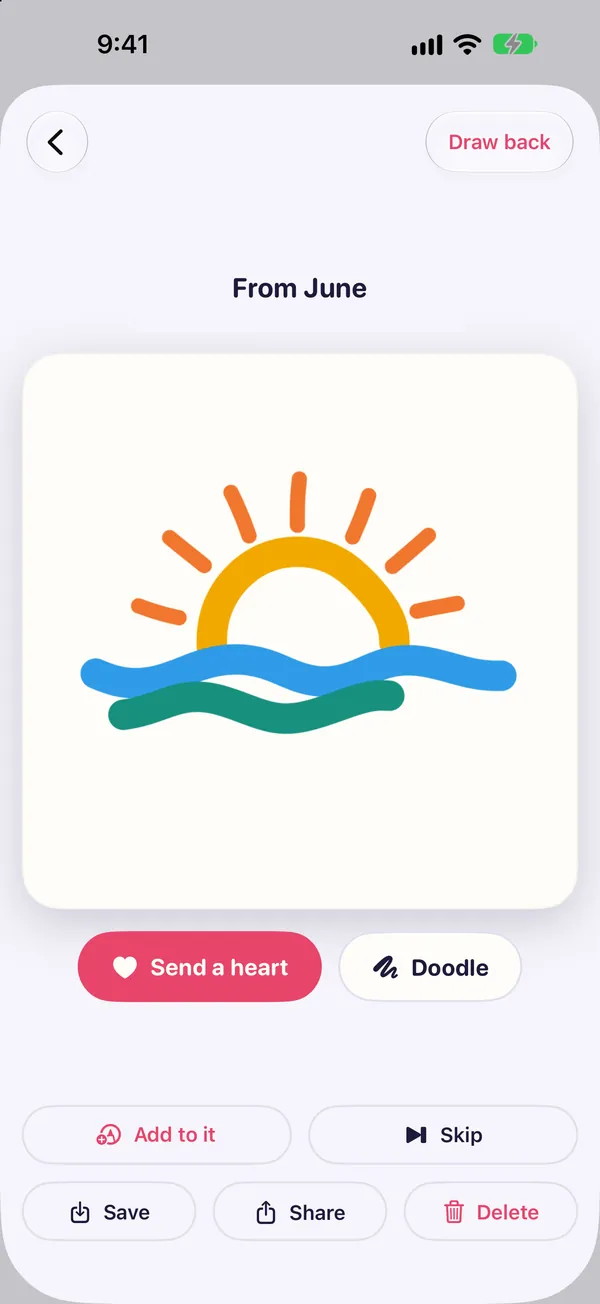
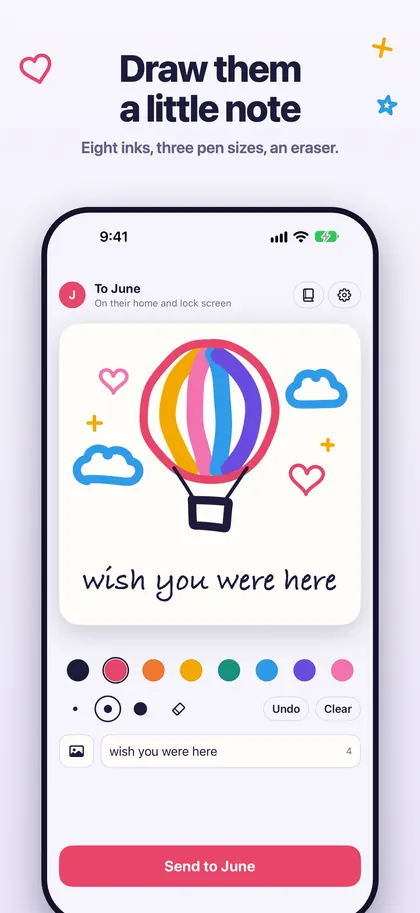
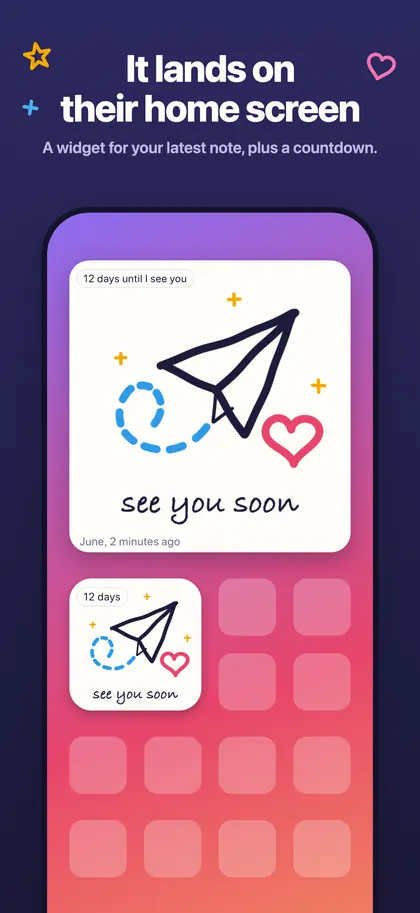
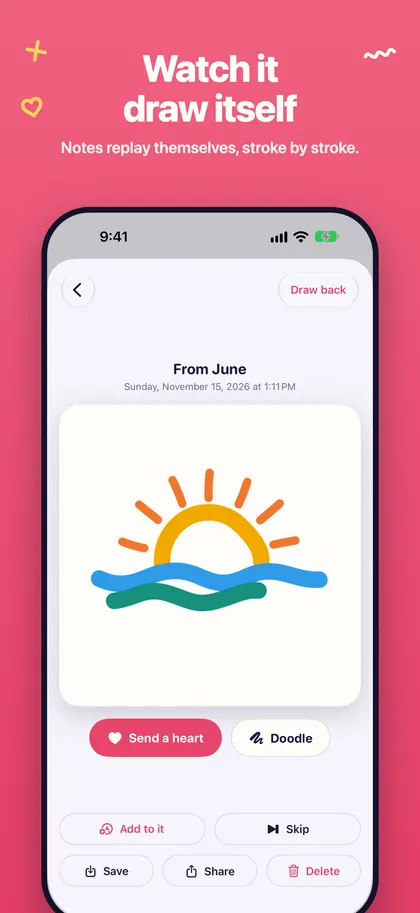
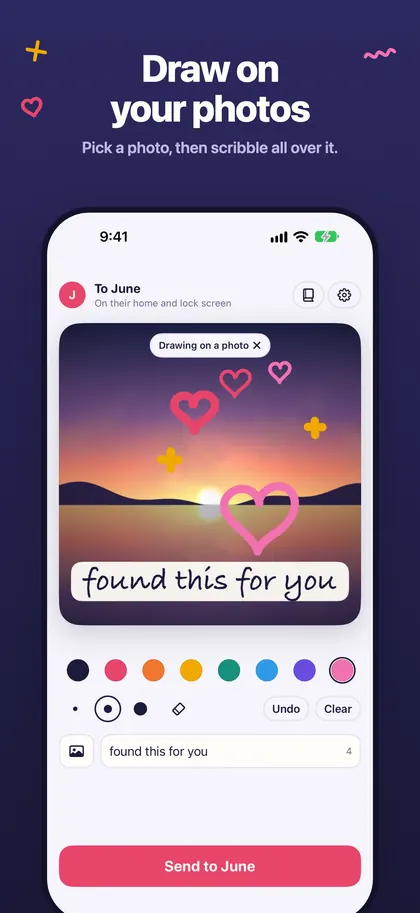
On your person's home screen widget, their lock screen widget, and as a notification that shows the drawing. When they open it in Tuck, it draws itself stroke by stroke.
Why is the widget sometimes behind the notification?
Apple limits how often widgets refresh, so a widget can be a little behind. Opening Tuck always fetches anything waiting.
Who can see our notes?
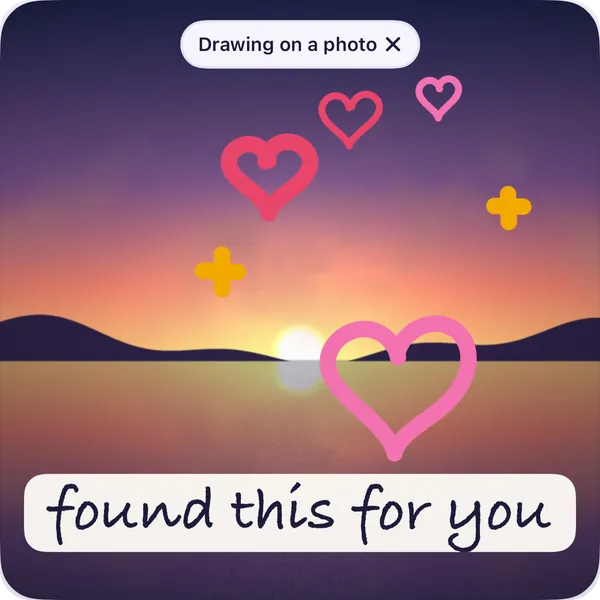
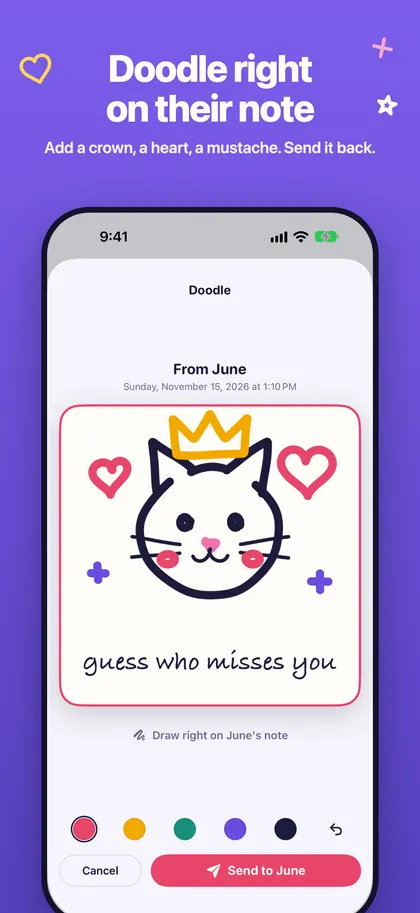
The note itself (the drawing, the words, a photo you drew on and hearts) is locked on your phone with a key that only your two phones hold. Some delivery details are not locked: random IDs, the kind of item and when it was made. The privacy page has the full detail.
Does it work on iPhone Duo?
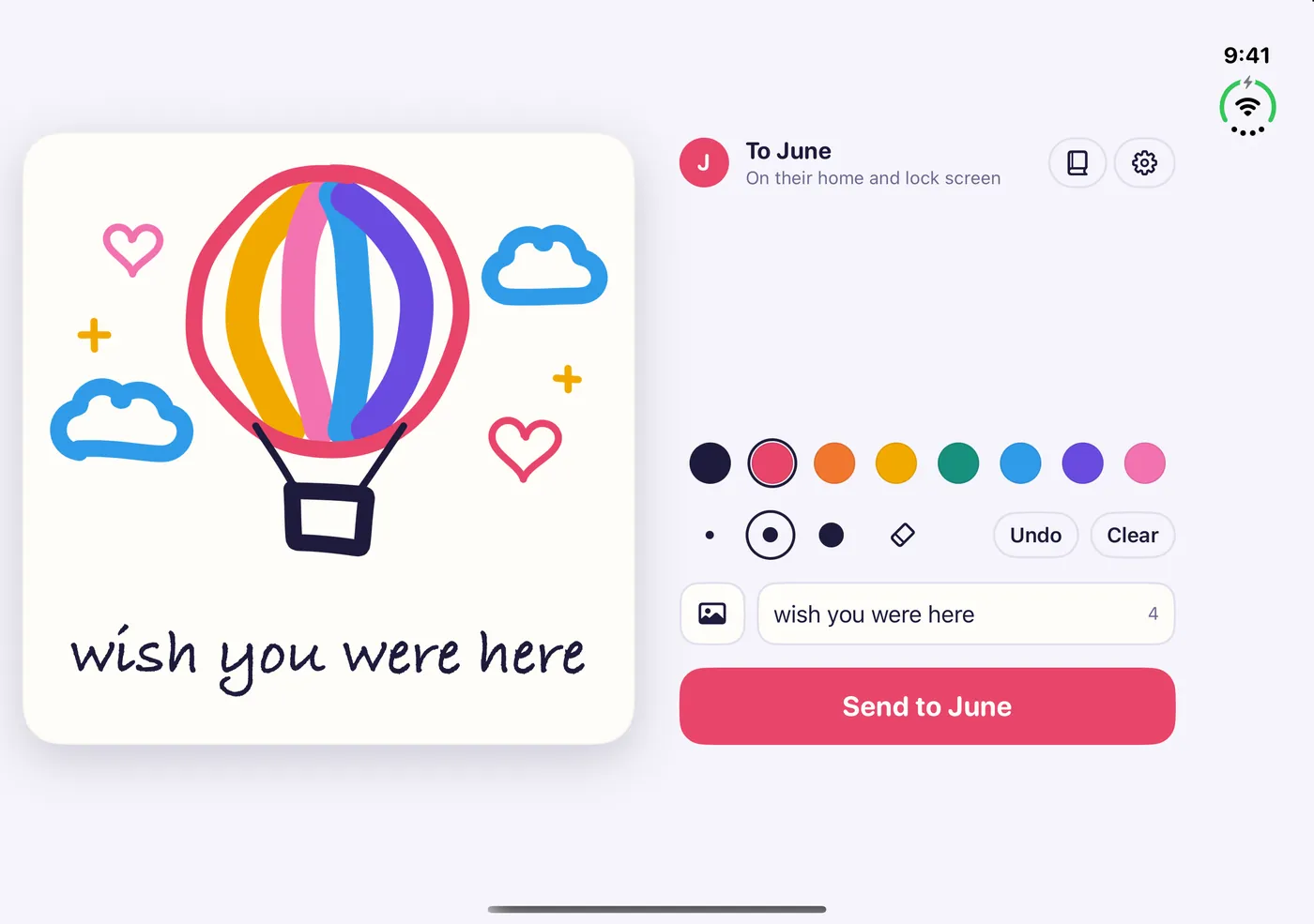
Yes. Unfolded, the paper sits on one side and the tools on the other.
When can I get it?
Tuck is in App Store review. Once it is live, the button on this page will take you to it.
 Tuck